I had read about HLS, RTMP, and DASH enough times that the acronyms felt familiar and the mechanics still did not. Reading was not enough. I needed a project that would break if I got the pipe wrong.
The bet: stick a cheap USB radio dongle in a Linux box, tune a local FM station, and listen to it from another continent in a browser. Real RF in, MP3 out, nothing fancy in between.
Legal note first, because this part is not optional. Re-broadcasting FM over the internet is regulated. You need the right permissions where you live. I treated this as a lab experiment, not a public station.
Analog air, digital laptop
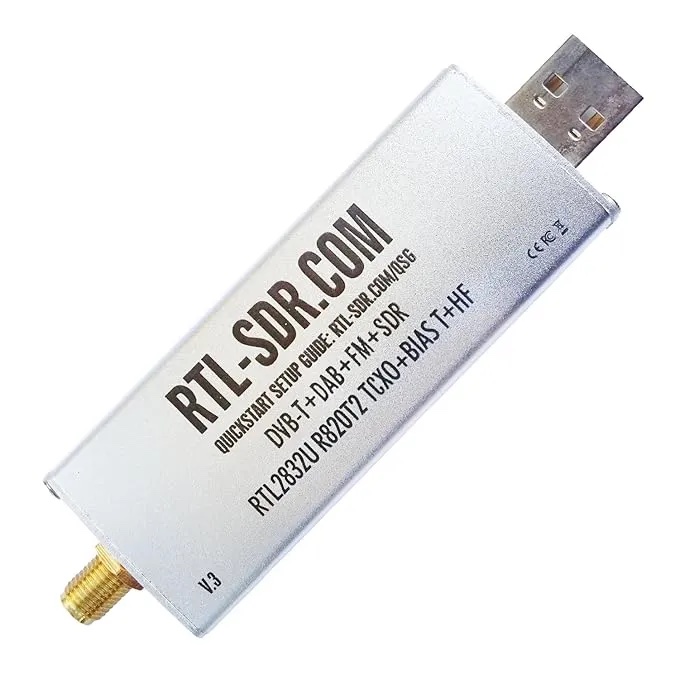
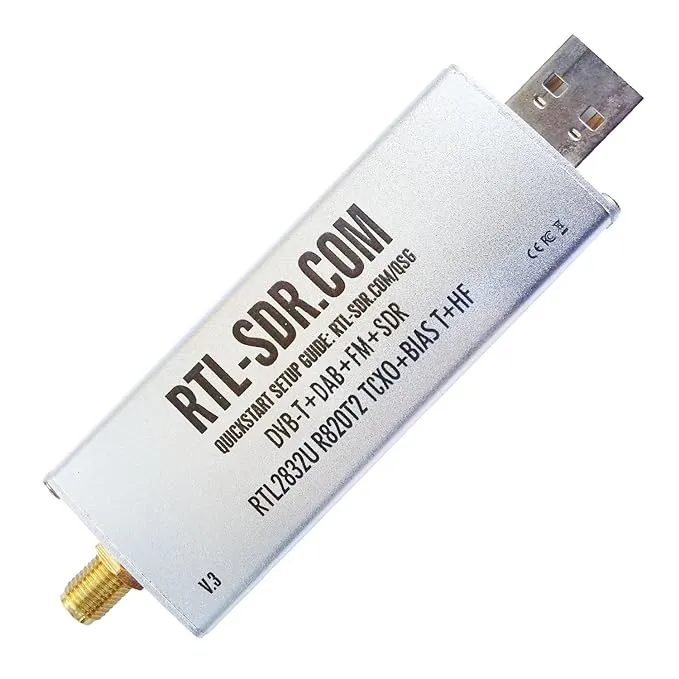
Your computer cannot “hear” 100 MHz. An RTL-SDR (software-defined radio) can. Plug it into USB, tune a frequency in software, demodulate wideband FM, and you get raw audio on stdout. The dongle is maybe the price of lunch and a coffee.
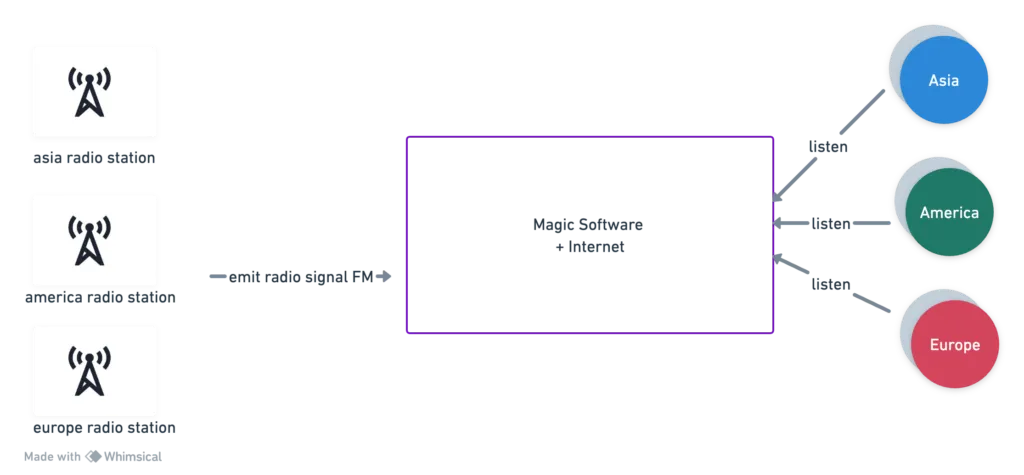
Station → SDR → encode → Icecast → browser. No CDN, no multi-region failover, no SLA. I wanted the wiring diagram in my head, not a product.
One Linux box does the work
Capture looks like this — 100 MHz, wideband FM, 200 kHz sample, resample to 48 kHz, dump to stdout:
rtl_fm -f 100M -M wbfm -s 200k -r 48k -That PCM stream is useless to a browser. FFmpeg turns it into MP3 and shoves it at Icecast:
ffmpeg -f s16le -ar 48000 -ac 2 -i udp://localhost:8223 \
-c:a libmp3lame -b:a 128k -ar 44100 \
-content_type audio/mpeg -f mp3 -muxdelay 0.1 \
icecast://source:password@icecast_server:port/mountpoint
Signed 16-bit little-endian in, LAME at 128 kbps out, tiny mux delay so you are not buffering forever. Icecast does not care how you made the MP3. It exposes a mount point URL and fans the bytes out to whoever connects.
Think of FFmpeg as the producer and Icecast as the shoutcast-style distributor. Multiple mount points = multiple channels on one host.
The player is almost insultingly small
<!DOCTYPE html>
<html>
<head>
    <title>Icecast Audio Stream</title>
</head>
<body>
    <h1>Icecast Audio Stream</h1>
    <audio controls>
        <source src="http://icecast_server:port/mountpoint" type="audio/mpeg">
        Your browser does not support the audio element.
    </audio>
</body>
</html>
Hit play. You are listening to a transmitter across town (or further), relayed through a USB stick on a desk. The first time it worked I laughed out loud — not because it was impressive engineering, but because the stack was finally concrete.
What I did not solve
Thousands of listeners? Host dies? Latency under a second? CDN edge? Not this weekend. Those are the next questions once you have heard the station once through your own pipe.
If you have built something similar — or you know a cleaner SDR → Icecast path — email me at [email protected] or leave a comment. I built this because I was curious. That is still the best reason I know.
Comments
Have thoughts on this post? Join the discussion below! Comments are powered by Disqus.